Backify hosting
Start on Starter or Team without connecting your own Azure subscription. Hosted apps include monthly capability allowances; Starter has hard caps and Team bills excess usage.
Flexible hosting. Clear ownership.
Launch with Backify hosting, or deploy into your own Azure subscription. Choose managed convenience or ownership of your application infrastructure—with Backify coordinating the path to production.
Start with paid Starter: €19 or $19/month before tax. A 30-day money-back guarantee applies to your first Starter purchase. Compare plans and guarantee terms.
Choose the right starting point
Both routes use Backify for deployment operations. Your plan determines which hosting choices are available.
Start on Starter or Team without connecting your own Azure subscription. Hosted apps include monthly capability allowances; Starter has hard caps and Team bills excess usage.
Available on Business and Enterprise. Involve your Azure administrator to review scope and permissions. You pay Microsoft directly for your resources; Backify platform fees remain separate.
Your source stays in GitHub. Review data export, runtime dependencies, identity access, support, and offboarding before adoption; customer hosting does not remove every platform dependency.
Cloud ownership that fits your business
Use customer Azure when your team needs to own application infrastructure and its cloud bill. Backify provides the control plane separately; it does not run entirely inside your subscription.
Your data. Your hosting region.
Host your application and its regional data resources in a supported region you choose for your deployment target. Align your hosting location with your users and your organization’s requirements.
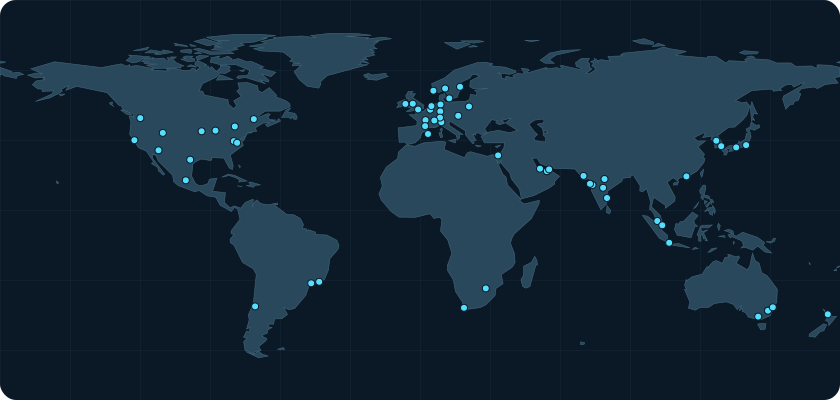
Application hosting, not a blanket residency guarantee. Backify control-plane data is a separate boundary and should be reviewed independently.
Discuss your region requirementsReview the permission model
Agree on access with your cloud administrators before onboarding.
Build on your existing cloud foundation
An organization Owner or Administrator selects Connect Azure, chooses a subscription and region, and confirms onboarding.
Review region, resource-group scope, administrator permissions, and your organization’s hosting requirements.
Create the required resource and identity boundaries. Restricted tenants can review the advanced manual setup.
Link the repository and branch. Preview and production use separate Container Apps; publishing follows the Backify authorization path.
Deployment planning
Plan your customer Azure deployment with our team. Bring your hosting requirements and Azure administrator to discuss scope, access, and the path to your first release.
Start with paid Starter: €19 or $19/month before tax. A 30-day money-back guarantee applies to your first Starter purchase. Compare plans and guarantee terms.